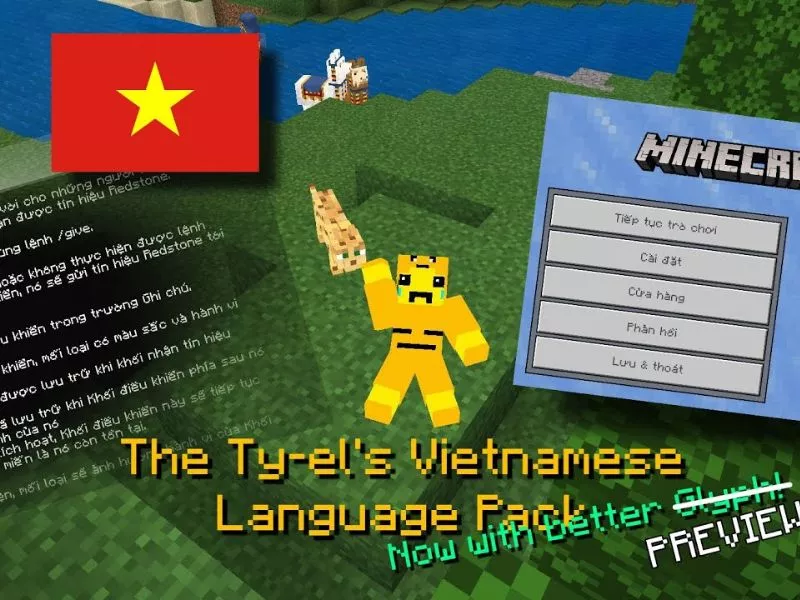
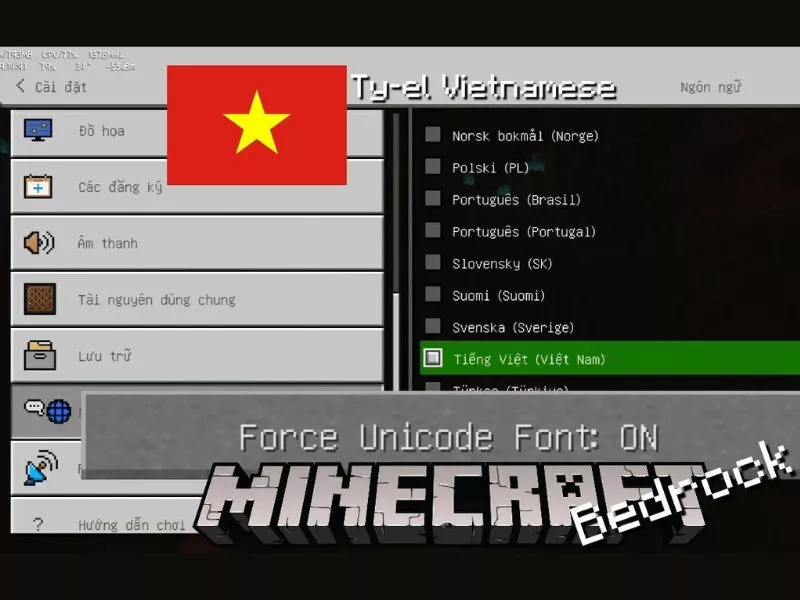
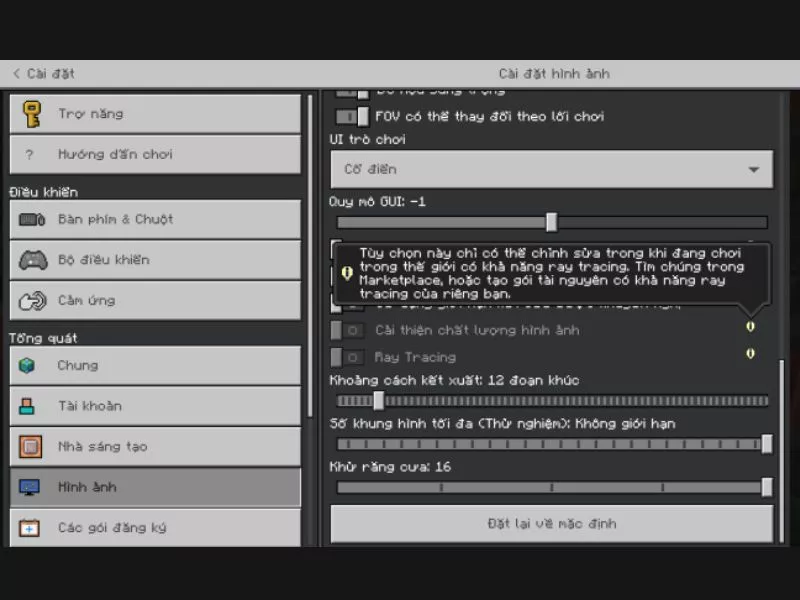
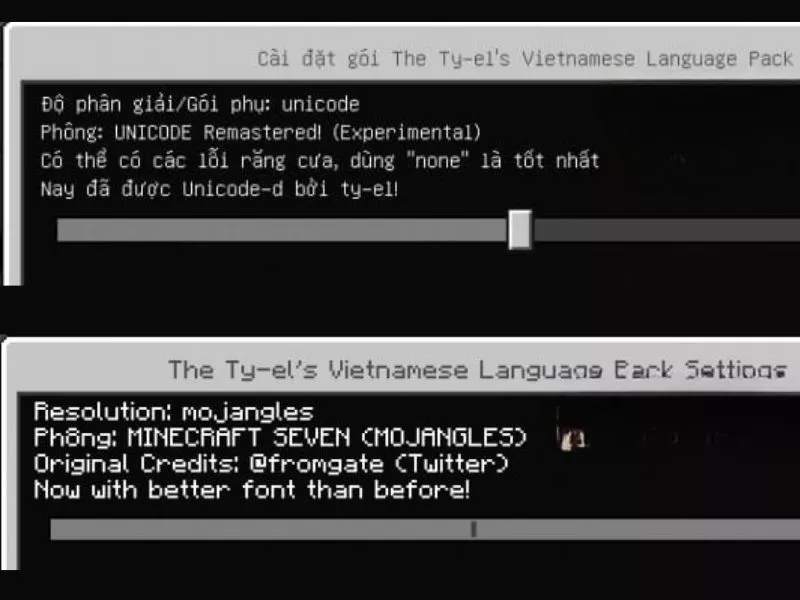
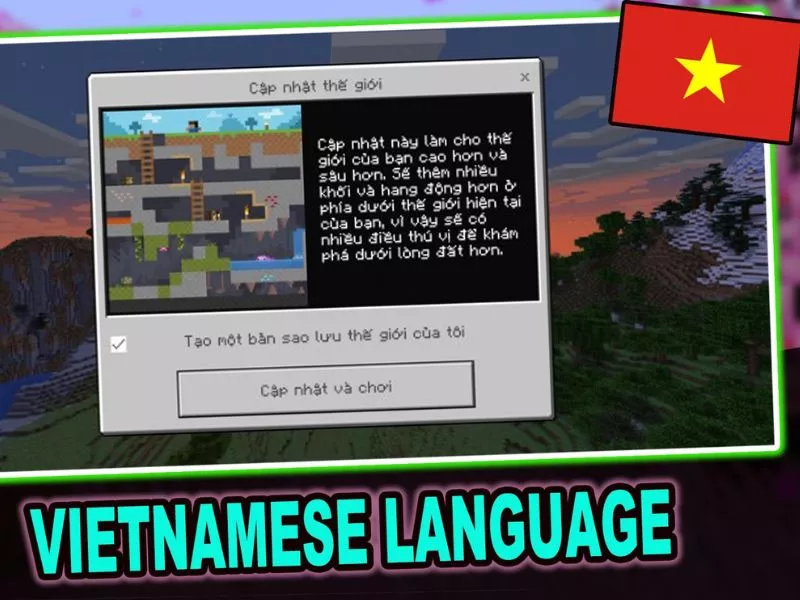
Minecraft is a creative game loved by millions of people around the world, but the language barrier is a big problem for Vietnamese gamers. Not everyone is fluent in English to understand the game's missions, features, and instructions, making the experience sometimes difficult, especially for newcomers. To overcome this, The Ty-el's Vietnamese Language Pack v1.6.5 was born, providing a comprehensive Vietnameseization solution for Minecraft PE and Bedrock. This language tool translates more than 9,000 keys, supports accurate display of technical terms, modes like Chemistry Mode, and text-to-speech feature. In the article below, Minecraft Vietnamese will introduce details about the Vietnameseization package as well as important notes. If you want to experience Minecraft in Vietnamese easily and friendly, Ty-el's Pack is the choice not to be missed. Minecraft is a popular sandbox game from Mojang Studios, this game is famous for its creative gameplay and unlimited survival. However, a major limitation for the Vietnamese gaming community is that the game has never officially supported the Vietnamese language, making the experience difficult, especially in advanced modes such as Education Edition or Chemistry Mode. Therefore, The Ty-el's Vietnamese Language Pack was born as a perfect solution. The Ty-el's Vietnamese Language Pack is a comprehensive Vietnameseization tool for Minecraft, helping Vietnamese gamers easily access content, grasp the core gameplay and fully enjoy the vast sandbox world without language barriers. Developed by Ty-el, this Vietnameseization package possesses more than 9,000 translation keys, covering almost all aspects of the game, from menus, settings, items, skills to detailed instructions. The highlight of the latest version v1.6.5 is that it is fully compatible with Minecraft PE & Bedrock, supports Chemistry Mode, converts text to speech, and provides two Vietnamese font variations for players to choose from. In particular, this language pack is completely free and easy to install via MinecraftTiengViet, helping Vietnamese gamers enjoy Minecraft more fully, intuitively and closely than ever.Information About The Ty-el's Vietnamese Language PackTo clearly see the value that The Ty-el's Vietnamese Language Pack brings to the Vietnamese Minecraft community, we can take a look at the most outstanding features of this Vietnamese language pack: With more than 9,000 translation keys, The Ty-el's Vietnamese Language Pack helps Minecraft players not only understand menus, toolbars or settings, but also fully grasp the names of items, weapons and monsters throughout the adventure. Thanks to that, when participating in crafting, fighting or survival, players will no longer have difficulty identifying items or understanding system messages. This is especially useful when entering intense battles or when needing to combine many types of tools to survive. The highlight of The Ty-el's Vietnamese Language Pack is not in the quantity but in the quality of the translations. Keywords are translated according to the correct gameplay context, such as "Enchanting Table" becomes "Enchanting Table", helping players immediately understand the use when they want to strengthen their equipment. Effects such as Poisoned, Strength or Weakness are also clearly translated, helping gamers easily calculate strategies while fighting mobs or Bosses. This makes the game experience more seamless and intuitive than ever.The Ty-el's Vietnamese Language Pack is fully Vietnameseized and detailedWhen using The Ty-el's Vietnamese Language Pack, Chemistry Mode becomes familiar and accessible to Vietnamese players. Instead of having to memorize the English names of elements or experimental tools, players can easily recognize chemical concepts in Vietnamese, thereby applying them immediately in gameplay. Combining elements to create new items or simulate experiments in Minecraft is not only educational but also enriches the experience of survival and creativity in the blocky world. One of the interesting experiences when using The Ty-el's Vietnamese Language Pack is the text-to-speech reading feature. During the game, instead of having to stop to read instructions or announcements, players can listen to the system read directly, making gameplay more seamless. This provides convenience for younger gamers, beginners, or those who want to focus on the in-game action without being interrupted by text.The Ty-el's Vietnamese Language Pack supports text-to-speechFont is also an important factor that affects long-term gaming experience. The Ty-el's Vietnamese Language Pack thoroughly solves the problem of incorrectly displaying Vietnamese accents by providing two font options. With standard fonts, players can easily follow information on the screen during daily tasks. Meanwhile, artistic fonts bring a new feeling, creating more excitement when participating in building projects or exploring the world. Thanks to this flexibility, each player can choose the display that best suits their style. To help players easily customize the interface according to personal preferences, Ty-el's Vietnamese Pack in Minecraft PE allows flexible font changes. You can refer to the detailed steps below to do so: First, make sure you have successfully installed Ty-el's Vietnamese Pack. Then, open Minecraft PE to start making changes. In the main interface of the game, access the item Setting , continue to select Language and activation The Ty-el's Vietnamese Pack to display font options. Once the language pack has been enabled, you will see the item Font Options. This is the part that allows you to customize the font displayed in the entire game interface. If you want clear, easy-to-read text, you should choose a standard font. If you want the interface to be more prominent and different, try Artistic Fonts.Standard Font Selection In The Ty-el's Vietnamese Language PackOnce you have selected the desired font, save your changes and restart Minecraft PE. As soon as you reopen the game, the entire interface will be displayed with the new font you have chosen. Before downloading and using Ty-el's Vietnamese Pack, you should keep in mind some important points to make the game experience smoother and more convenient:
Supported versions: Ty-el's Pack is best compatible with new versions of Minecraft PE/Bedrock. If you use an old version, some features or menus may not display correctly, you should update the game before installing the Vietnameseization package.
Resource conflicts: If you are installing many other Resource Packs, there may be display errors or text overlapping. To avoid this situation, put Ty-el's Pack first in the pack list.
Translation errors: The Vietnameseization package is very detailed, but some complex keywords or technical terms may not be 100% translated. This is normal and will gradually improve with updates.
Update regularly: You should download the package from MinecraftTiengViet to always use the latest version. Timely updates help avoid errors and experience fully translated new features.
Back up data: Before installing or updating the Vietnameseization package, back up your Minecraft world data. This helps avoid data loss if problems occur during the installation process.
Notes You Need to Know When Vietnameseizing Minecraft PEThe Ty-el's Vietnamese Language Pack v1.6.5 is the most comprehensive Minecraft Vietnameseization package available today, with more than 9,000 translation keys, Chemistry Mode support, text-to-speech feature and two font options. This is a great tool to help the Vietnamese gaming community fully experience Minecraft without language barriers. Download The Ty-el's Vietnamese Pack v1.6.5 now at MinecraftTiengViet to explore Minecraft in a more familiar, understandable and friendly way. In addition, you can refer to other attractive Minecart versions at MinecraftTiengViet: Minecraft 1.19.21 , Minecraft 1.21.94 , Minecraft 1.20.50 ,....
Have. The version provided on MinecraftTiengViet is completely free, does not require payment or registration.
Are not. This is a language pack only, does not change game mechanics or data. You can turn it on/off at any time without affecting storage or characters.
Yes, but make sure to download the correct version for Minecraft Java Edition (PC) or Minecraft Bedrock/PE (Android, iOS).



No comments:
Post a Comment